Screen shot with itel keypad phone - Bondhuu
Miles Miles
5 days, 12 hours ago
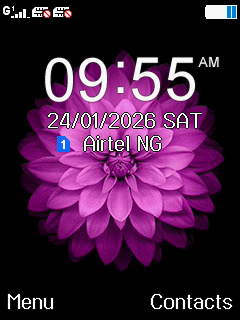
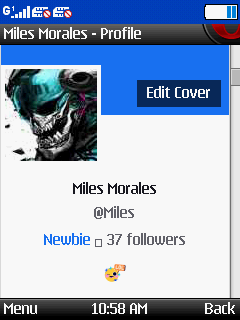
Screen shot with itel keypad phone
Post image

Views 26 views

like 2 love 2
Login or Register to react
Comments Comments 4
Miles Miles
See
Comment image

5 days, 10 hours ago  |  Reply

Tete Tete
pls how did you do it too?

5 days, 11 hours ago  |  Reply

Miles Miles
Dail *#9646633# and go to app set and enter print screen then choose option 2 (opt. 1 is "off") then go back and use your call button it will screen shot and add to your files named printscreen

5 days, 11 hours ago  |  Reply

Tete Tete
pls how did i go to app set

5 days, 3 hours ago

ULTRAMAGA ULTRAMAGA
How you do am

5 days, 12 hours ago  |  Reply

Want to join the conversation?

Login Register
Logo
Login Register About Us Home
Help Terms & Policies Google Search